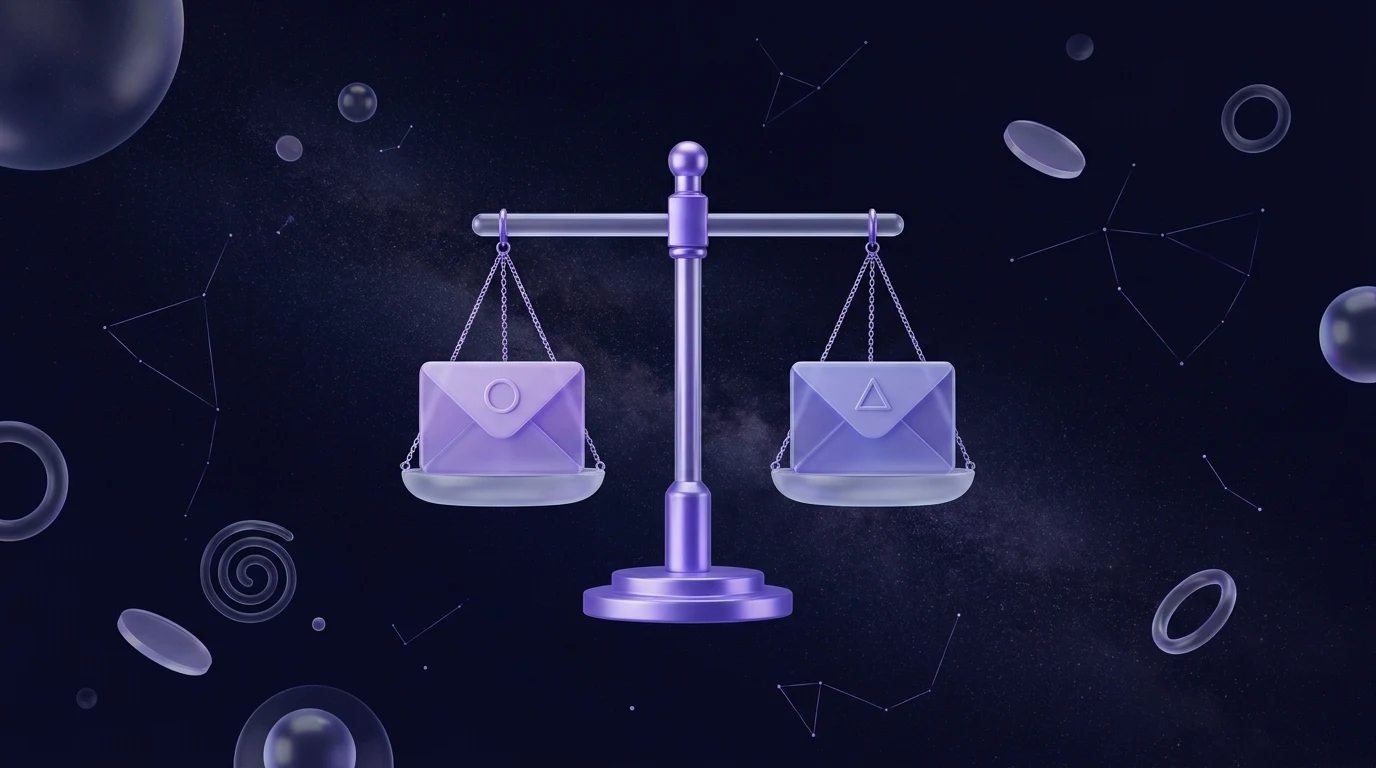
Email subject line A/B testing means sending two or more versions of a subject line to separate slices of your list, then using the results to decide which wording to send to everyone else. Done properly, it replaces opinions with evidence and helps you learn what your particular audience responds to.
The catch is that testing is easy to do badly. Tiny audiences, several changes at once and an over-reliance on open rates can all produce confident, wrong conclusions. This guide shows what to test, how to frame a hypothesis, what to make of results now that some mail apps inflate opens, and twelve subject-line patterns worth trying.
Before you start, keep these points in mind:
- Change one thing at a time, and write down what you expect to happen before you send.
- Small lists produce noisy results. Look for clear, repeated patterns rather than one dramatic win.
- Apple Mail Privacy Protection can make opens look higher than they really are, so use clicks as the judge wherever you can.
- The goal is learning, not just a winning subject line. Keep a log of what you test.
How does email subject line A/B testing work?
The process has five steps:
- Pick a variable. For example, a question versus a statement.
- Create two versions. Version A is your control, the style you normally use. Version B changes only the variable.
- Send each version to a random slice of your list. For example, a small portion gets A and another small portion gets B.
- Wait long enough. People read email across hours and days, so give the test time before judging it.
- Send the winner to the rest. Or, if you have no clear winner, send either and record the result as a draw.
In Beacon’s campaign wizard you can add variants, send them to a slice of the list, hold the rest back and promote the winner by open rate or click rate. You can also ask the AI-assisted subject line tool for alternatives, which is a quick way to generate version B.
What should you test in a subject line?
Start with differences that are big enough to matter. Swapping one synonym for another rarely changes behaviour. These variables are more promising:
- Framing. Question versus statement, benefit versus curiosity.
- Specificity. A concrete detail versus a general promise.
- Length. Short and punchy versus longer and descriptive.
- Tone. Formal versus conversational, or plain text style versus promotional.
- Personalisation. A first name or other detail versus none.
- Urgency. A genuine deadline versus no time pressure.
- Preview text. The line that appears after the subject in most inboxes. It works as part of the subject line and is worth testing too.
- Sender name. A person’s name versus the company name. This is not strictly a subject line, but it shapes whether people open.
Avoid testing subject lines that promise different things, such as one for a sale and one for a story. The email content then differs too, and you can no longer say what caused the result.
How do you frame a hypothesis?
A hypothesis turns a vague hunch into something you can learn from even if it fails. Use this template:
Because [reason you believe this], changing [one variable] from [A] to [B] will [increase or decrease] [metric] for [audience].
A worked example:
Because our customers are busy and tend to skim, a subject line with a specific number (“5 ways to cut your energy bill”) will earn more clicks than a general one (“How to save on energy”) among our newsletter subscribers.
Writing it down forces you to name the metric before you see the results, which prevents you from choosing whichever number happens to look best afterwards.
How big does a test need to be?
You do not need a statistics degree, but you do need to respect the maths of small numbers. The more people you test on, the more reliable the difference you observe. Here is how to think about it without inventing figures:
- Small lists (a few hundred people). Individual tests will be noisy. A gap of a few people opening or clicking can easily be chance. Run the same type of test several times across different sends and look for a repeated direction.
- Medium lists (a few thousand). You can detect fairly large differences in a single test, but small ones will still be hidden by randomness.
- Large lists (tens of thousands or more). You can detect smaller differences and can often test several variants at once.
A useful rule of thumb: the smaller the difference you hope to find, the more people you need. If the result of a test is close, treat it as a tie. For a quick sense check, imagine rerunning the test tomorrow. If you would not be surprised to see the result flip, it is not a real win.
Also, split randomly, test simultaneously and avoid peeking at the results after ten minutes and calling it. Different send times and different segments will quietly bias your conclusion.
Should you still use open rate to pick a winner?
Use it carefully. Apple Mail Privacy Protection, introduced in 2021, can load email content, including the invisible tracking image, in the background for people who turn it on. That means an email can be recorded as opened even if the person never looked at it. The effect is that open rates are inflated and less trustworthy for any audience with many Apple Mail users.
What this means for testing:
- Prefer clicks when the email has a clear call to action. A click needs a deliberate human action, so it is harder to fake by accident.
- Use opens as a rough guide only. A subject line test judged on opens is still useful for comparing like with like, but it is more noisy than it used to be, and the absolute number is not meaningful.
- Look at what happens after the click. A subject line that earns clicks but no sales may be over-promising.
- Track replies and unsubscribes. A subject line that wins on opens but drives complaints is not a win.
When you set up a test in Beacon, you can choose to promote the winner by click rate rather than open rate, which is usually the better choice for the reasons above.
12 subject-line patterns worth testing
Use these as starting points for your hypotheses. The examples are illustrations, not guarantees. Whether a pattern works depends on your audience.
| Pattern | Version A | Version B |
|---|---|---|
| 1. Question vs statement | Struggling to fill Tuesday appointments? | How to fill your quiet Tuesday appointments |
| 2. Specific number vs general | How to write better emails | 7 small edits that improve any email |
| 3. Benefit-led vs curiosity-led | Save an hour a week on invoicing | The invoicing habit we wish we had started sooner |
| 4. Short vs long | Autumn menu is here | Our autumn menu is here, with three new dishes and a returning favourite |
| 5. Personalised vs generic | Sam, your spring checklist | Your spring checklist |
| 6. Genuine urgency vs none | Bookings close Friday at noon | Bookings are open |
| 7. Plain and personal vs promotional | Quick question about your order | BIG SAVINGS on all orders |
| 8. Lower case vs sentence case | a small update from our workshop | A small update from our workshop |
| 9. Emoji vs none | Your free guide is ready | Your free guide is ready 🎁 |
| 10. Loss framing vs gain framing | Don’t miss the early-bird price | Get the early-bird price |
| 11. Benefit first vs brand first | Fresh bread, delivered Saturdays | Marlow Bakery: fresh bread, delivered Saturdays |
| 12. Story vs offer | The mistake that cost us a client | Free consultation this month |
A few notes on using them. Urgency only works when it is real, since invented deadlines damage trust. Misleading subject lines are also a legal problem in some places. Under CAN-SPAM, for example, subject lines must not be deceptive. And personalisation backfires if the data is wrong, so check your merge fields before sending.
How do you read the results and decide what to do next?
When your test finishes, work through these questions:
- Is the gap meaningful? If one version clearly led on the metric you chose in advance, accept it. If it is close, call it a tie.
- Does the result agree with other evidence? Check clicks, not only opens, and see whether the same direction showed up in earlier tests.
- Why might it have won? Form a theory, such as “specific numbers seem to help with our audience”, and test it again in a different context.
- Record it. Keep a simple testing log: date, hypothesis, versions, audience, metric and outcome. Over a year, this becomes one of the most valuable documents in your marketing.
- Apply the learning broadly, but cautiously. A lesson from your newsletter may not hold for a promotional email or a different segment.
Subject lines are only part of the story. If your emails are landing in spam, no subject line will save them, so read how to stop your emails going to spam as well. Testing also gets more powerful when you segment your list, because different groups often respond to different styles. See our guide to email segmentation strategies for ideas. And if you are new to sending, our starter guide to email marketing for small business covers the fundamentals.
Frequently asked questions
How many subject lines should I test at once?
Two is a good place to start because it keeps the test clear and works with smaller lists. Testing more versions needs a larger audience, otherwise each slice is too small to say anything useful.
How long should an A/B test run before I pick a winner?
Long enough for most of your normal engagement to arrive. Many people open email hours or even a day later, so judging after a few minutes favours the people who check their inbox constantly. Pick a window in advance and stick to it.
Does Apple Mail Privacy Protection ruin subject line testing?
It does not ruin it, but it makes open rate a weaker signal. Use clicks as your deciding metric where the email has a clear call to action, and treat opens as a supporting clue rather than proof.
Should I test emojis and personalisation in my subject lines?
You can, but test them like anything else rather than assuming they help. Audiences differ, and what suits a playful consumer brand may look odd for a law firm. Make sure personalisation data is clean before you try it.
What if my list is too small for A/B testing?
Run the same style of test across several sends and look for a consistent direction. You can also learn from qualitative feedback, such as replies and questions, and from the subject lines that draw the most clicks over time.
Start testing your subject lines
Beacon lets you build variants in the campaign wizard, send to a slice of your list and promote the winner on clicks or opens. Start free to run your first test, or see the plans if you are sending to a larger audience.