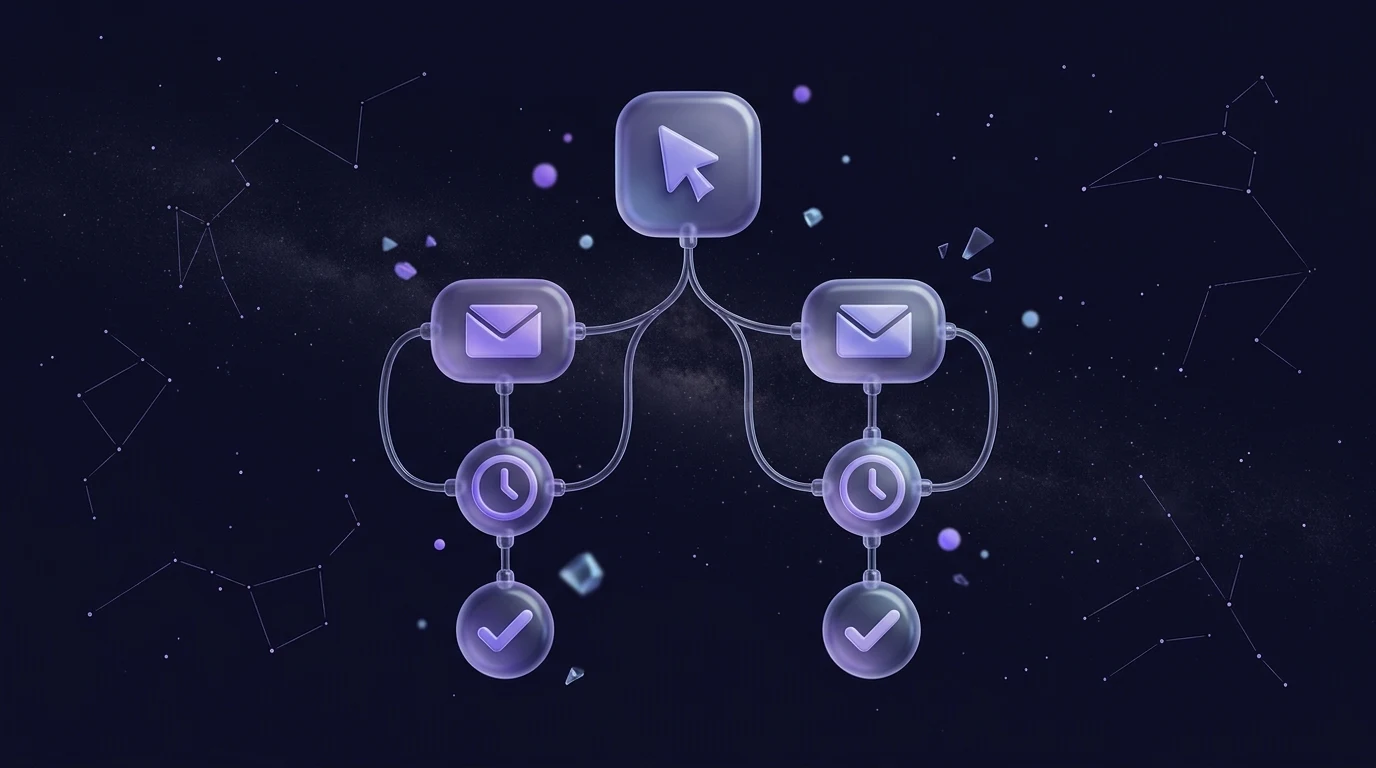
Email automation means sending the right email to the right person at the right moment without doing it by hand each time. Something happens (someone joins a list, gets tagged or clicks a link), and a pre-built sequence of emails, waits and decisions takes over. You design it once; it runs for every contact from then on.
You do not need dozens of workflows. Ten well-chosen ones cover most of what a small business or growing team needs, from the first hello to the final goodbye. This guide gives you each workflow's trigger, steps, timing and the numbers worth watching.
Before the list, a few points to keep in mind:
- Start with one workflow, not ten. Welcome first, then whichever fits your business best.
- Every automation needs a clear trigger, a single goal and an exit point.
- Use waits and engagement branches so people never get emails that no longer make sense.
- Review each workflow on a schedule, because stale automations quietly damage your reputation.
What is email automation, and what can it trigger on?
An automation (sometimes called a journey, flow or drip campaign) is a series of steps that start from a trigger. The common building blocks are the same on every platform: a trigger, wait steps, emails, branches (if this, then that) and tags or fields that record what happened.
In Beacon, journeys start when someone joins a list, gets a tag or engages, and then use wait, branch and tag steps. That is enough to build every workflow below. Where a workflow depends on something outside email (a purchase, a booking, a date), the practical approach is to record the result as a tag or a list membership in Beacon, and let the journey start from there.
Which email automation workflows should you set up first?
Here is a quick overview, followed by the detail for each:
| Workflow | Starts when | Typical length |
|---|---|---|
| 1. Welcome series | Someone joins a list | 4 to 5 emails over about 2 weeks |
| 2. Customer onboarding | A customer is tagged "new customer" | 3 to 5 emails over 2 to 3 weeks |
| 3. Re-engagement | Quiet contacts are tagged | 2 to 3 emails over about 2 weeks |
| 4. Post-purchase | A customer is tagged after buying | 2 to 4 emails over about a month |
| 5. Abandoned interest | Someone clicks a topic link | 1 to 2 emails over a few days |
| 6. Birthday or anniversary | A date comes round (tag or segment) | 1 email |
| 7. Event follow-up | An attendee is tagged | 2 to 3 emails over about a week |
| 8. Lead nurture | A lead joins a list or tag | 4 to 6 emails over several weeks |
| 9. Win-back and sunset | Long-term inactivity | 2 to 3 emails then removal |
| 10. Feedback survey | A tag applied after a service or purchase | 1 to 2 emails |
1. Welcome series
Trigger: a contact joins your list. Steps: immediate welcome and delivery of what you promised, a story email, your best content, a soft offer, a check-in. Timing: day 0, 2, 5, 8 and 12. Measure: replies, clicks per email and unsubscribes per email. This is the one to build first; our full guide to the welcome email series has sample copy.
2. Customer onboarding
Trigger: a customer receives a "new customer" tag. Steps: a thank-you with what happens next, a "getting started" email with the one action that gets them value fastest, a tips email a few days later, and a check-in asking whether they need help. Timing: day 0, 3, 7 and 14. Measure: clicks on the getting-started link, support replies and the share of customers who complete the first key action.
3. Re-engagement for quiet subscribers
Trigger: contacts who joined a while ago but have not opened or clicked recently, which you identify from your analytics or a segment and tag. Steps: a friendly "still interested?" email, a branch that checks whether they engaged, and a tag for those who did not. Timing: two emails about a week apart. Measure: how many come back to life, and how many you decide to stop emailing. Quiet subscribers drag down engagement signals, so this workflow protects your deliverability as well as winning people back.
4. Post-purchase follow-up
Trigger: a customer is tagged after buying. Steps: a thank-you and delivery information, a how-to-get-the-most-from-it email, a request for a review or feedback, and later a relevant suggestion. Timing: day 0, 5, 14 and about 30. Measure: review requests completed, repeat engagement and replies. Keep the first email useful, not promotional.
5. Abandoned interest and browse follow-up
This one fits only where there is a signal of interest. In Beacon the practical version is a click-based trigger: someone clicks a link about a particular topic, product or service in one of your campaigns, you tag them, and a journey follows up. Steps: a short email offering more detail on that topic, a wait, and a branch that sends a second email (a case study, a guide or a call booking link) only if they have not engaged. Timing: day 1 and day 4. Measure: clicks and replies. Keep the tone helpful, not pushy, and cap it at two emails.
6. Birthday or anniversary
Trigger: a date held in a custom field, such as a birthday or the anniversary of joining, comes round. Because triggers are list joins, tags and engagement, the simplest approach is a scheduled campaign to a segment built on that custom field, or a tag you apply when the date arrives. Steps: a single, warm email, optionally with a small gift or a thank-you. Timing: on the day, or a few days before. Measure: clicks and replies. Only ask for a birthday if you will use it, and say why. The less you collect, the less you have to protect, a point we cover under data minimisation in the GDPR email marketing checklist.
7. Event follow-up
Trigger: attendees and no-shows are tagged separately after a webinar, workshop or in-person event. Steps: a thank-you with the recording or slides to attendees, a "sorry we missed you" with the recording to no-shows, and a few days later a next-step email tailored to each group. Timing: within 24 hours, then day 3 to 5. Measure: recording views via clicks, replies and next-step conversions.
8. Lead nurture
Trigger: a lead joins a list or receives a tag (for example after downloading a guide). Steps: a deliverable email, then a sequence that moves from education to proof to a clear invitation (a call, a demo or a quote). Branch on engagement so that people who click through to the invitation move to a sales-follow-up path and those who do not continue to receive useful content. Timing: weekly for four to six weeks. Measure: clicks on the invitation, replies and the number of leads who take the next step.
9. Win-back and sunset
Trigger: a long period without any engagement, with the contacts identified and tagged as above. Steps: a "we miss you" email with a reason to return, a second, more direct "do you still want these?" email, and then, for those who do not engage, a tag that excludes them from future campaigns. Timing: one email, a week's gap, a second email, then the tag. Measure: reactivation rate and the effect on your overall engagement and complaint rates once the inactive group is out. Sunsetting feels counter-intuitive, but a smaller, engaged list is healthier than a large, ignored one. It is also one of the simplest ways to improve inbox placement.
10. Feedback survey
Trigger: a tag applied after a service, purchase or support interaction. Steps: a short email with a link to a survey (Beacon includes surveys), and a reminder only to people who have not responded. Timing: a few days after the experience, with a reminder four days later. Measure: response rate and the themes in the answers. Close the loop: tell people what you changed.
How do you test and monitor your automations?
An automation that nobody looks at drifts out of date. Treat each one as a product with a small maintenance routine:
- Test before launch. Send every email to yourself, click every link and check rendering on mobile, in dark mode and in Outlook.
- Walk through the logic. Trace three imaginary contacts through the journey: one who engages with everything, one who ignores everything and one who unsubscribes halfway. Each path should make sense.
- Start small. Let the first handful of real contacts go through and check the results before you attach a large list.
- Review monthly. Look at the clicks, unsubscribes and replies per email. An email with high unsubscribes or no engagement is a candidate for rewriting or removal.
- Update the content. Check links, offers, dates and branding every quarter. An email that mentions last year's promotion damages trust.
- Test improvements. Change one thing at a time, such as the subject line. See A/B testing email subject lines for how to do it fairly.
How do you keep automations healthy?
A few habits prevent most problems. Give every workflow a clear exit, so people leave the journey once they have done what it was for (a customer should not keep receiving "buy now" emails). Avoid overlapping automations that email the same person on the same day; use tags to keep them apart. Respect unsubscribes everywhere, and keep your sending domain authenticated with SPF, DKIM and DMARC. And segment where it helps: the same workflow often reads better with two versions for two audiences, a point we expand on in email segmentation strategies.
Frequently asked questions
What is the difference between email automation and a newsletter?
A newsletter is a one-off send to a group at a time you choose. Email automation sends emails to individuals based on what they do or when they joined, so each person's timing differs. Most businesses use both: automations for lifecycle moments and newsletters for regular news.
How many automated emails is too many?
There is no magic number, but watch for overlap. If one contact can sit in three journeys at once and get several emails a week, they will tire of you. Keep each journey short, give each a clear exit and use tags to stop journeys colliding.
Which email automation should I build first?
The welcome series, because every new subscriber goes through it and it sets expectations for everything that follows. After that, choose the workflow closest to revenue or retention in your business: onboarding if you have customers, lead nurture if you sell to businesses, re-engagement if your list is ageing.
Can small businesses use email automation without a big list?
Yes. Automation is arguably more valuable on a small list, because it makes sure every new contact gets a proper introduction without you remembering to send one. Start with a welcome series and add a workflow when you have the time to maintain it.
How do I know if an automation is working?
Define its goal first (replies, clicks on a key link, a booked call) and measure against that, not opens alone. Compare people who went through the journey with those who did not, and watch unsubscribes and complaints as a safety check.
Set up your first automation
Pick one workflow from the list and build it this week. Start free with Beacon, design the emails in Studio and wire them together with wait, branch and tag steps. Looking at plans? See pricing.