A welcome email series is a short run of automated emails sent to someone straight after they join your list. A good one has four or five emails spread over roughly two weeks: a prompt hello that delivers what you promised, a story that explains who you are, your most useful content, a gentle ask, and a check-in that tells you what the person actually wants.
It matters because a new subscriber is at their most attentive in the first few days. They have just chosen to hear from you, and a welcome email series uses that window deliberately instead of dropping them into your next newsletter and hoping for the best.
Here is what this guide covers:
- Send the first email immediately, then space the rest out over about two weeks.
- Each email has one job and one call to action, so the series builds rather than repeats itself.
- Seven example emails are below: five core ones and two optional extras, with full sample copy for the first two.
- Measure replies, clicks and unsubscribes, not just opens, and tag people by what they do.
- Build it once as an automation and it works for every new subscriber from then on.
Why does a welcome email series matter?
Expectation. People forget what they signed up for within days. A welcome series reminds them who you are, what you will send and how often, which means fewer surprised unsubscribes and fewer spam complaints later. That protects your sender reputation too.
Engagement signals. Mailbox providers watch whether people open, click and reply to your mail. A new contact who engages with your first few messages gives you a healthy start; one who never hears from you for three weeks and then receives a big promotion does not.
Information. Which links people click in email three tells you what they care about, and you can use that to segment them from the first fortnight onwards.
How many emails should a welcome series have?
For most small businesses, five. Fewer than three feels like an afterthought; more than six starts to feel like a sales sequence rather than a welcome. The right number depends on how much you have to say, so treat the table below as a sensible default rather than a rule.
| When to send | Its one job | |
|---|---|---|
| 0. Confirmation (optional) | Immediately, if you use double opt-in | Confirm the address |
| 1. Welcome and deliver | Straight away | Give them what you promised |
| 2. Your story | Day 2 | Explain who you are and why you do this |
| 3. Best content | Day 5 | Prove you are useful |
| 4. Social proof or a soft offer | Day 8 | Invite a first action |
| 5. Check-in | Day 12 | Ask what they want more of |
| 6. Nudge (optional) | Day 16, only if they have not engaged | Give them an easy reason to stay or go |
That is seven emails in total (five core, two optional), and each is described below. The spacing is a starting point. If you send a weekly newsletter, keep new contacts out of it until the series finishes, so the two do not collide.
What should each welcome email say?
Email 1: deliver what you promised (sample copy)
The first email has three duties: deliver whatever you promised on the sign-up form (a discount code, a guide, a first issue), set expectations, and sound like a person. Put the one thing they came for at the top.
Subject: Welcome, here is your guide
Preview text: Plus what to expect from us over the next fortnight
Hi [First name],
Thanks for joining. Your free guide is here: [link to the guide].
Over the next two weeks I will send you a handful of short emails: a bit about who we are, our three most useful articles, and a question or two so that I can send you more of what you actually want. After that you will get our newsletter about once a month.
One small favour: hit reply and tell me what you are hoping to get out of these emails. I read every answer.
[Your name]
[Business name]
Notice what is missing: no company history, no list of every product, no competing buttons. Asking for a reply is deliberate: it starts a real conversation, and replies are a strong positive signal to mailbox providers.
Email 2: your story (sample copy)
Email two is the story email. People stay subscribed to businesses they feel they know. Keep it honest and specific: why you started, who you help, one thing you believe that others in your field might not.
Subject: Why we do this
Preview text: The short version of how [Business name] started
Hi [First name],
Quick story. [Two or three sentences about the moment you started: the problem you kept running into, and what you decided to do about it.]
Today we [one sentence on what you do and for whom]. We try to do it in a way that [one sentence on your approach, for example "keeps things simple and never makes you read the small print"].
If that sounds like your kind of business, the next email will point you to the three things we think are most worth your time.
Until then, [a genuine, specific question, for example "what is the one thing you wish you had help with this month?"]. Just reply to this email.
[Your name]
Use a real story. If you are a one-person bakery, say so. Specifics build trust far faster than a polished mission statement.
Email 3: your best content
Send three of your most useful pieces, such as a guide, an article or a short video. Introduce each in a sentence and say who it is for. Be helpful before you ask for anything.
Email 4: social proof or a soft offer
Now it is fair to invite a first action. If you sell something, share a real customer comment (with their permission) and a simple offer. If you publish content, invite them to follow you somewhere else or take a short survey. Make it one clear call to action, with no pressure.
Email 5: the check-in
Ask what they want. A single link to a short preferences page or survey works well, as do two or three links labelled by topic ("I'm interested in X", "I'm interested in Y"). Each click is a vote you can use to tag the contact and send them more relevant mail afterwards. This is the foundation of good segmentation.
Optional emails: confirmation and nudge
If you use double opt-in, the confirmation email comes first and the series starts once they click. At the other end, a short nudge for people who have not opened or clicked anything gives them an easy choice: stay, change what they receive, or leave.
What are good welcome email subject lines?
Plain beats clever. A subject line for a welcome email should confirm the relationship and promise something specific. Here are examples to adapt for each stage:
Email 1: Welcome, here is your guide
Email 1: You're in. Start here
Email 2: Why we do this
Email 2: A quick story about how we started
Email 3: Three things worth reading first
Email 4: What our customers say
Email 5: One quick question
Nudge: Still want to hear from us?
Once the series is live you can improve these properly. Our guide to A/B testing email subject lines explains how to test one change at a time without fooling yourself.
How do you build a welcome series in Beacon?
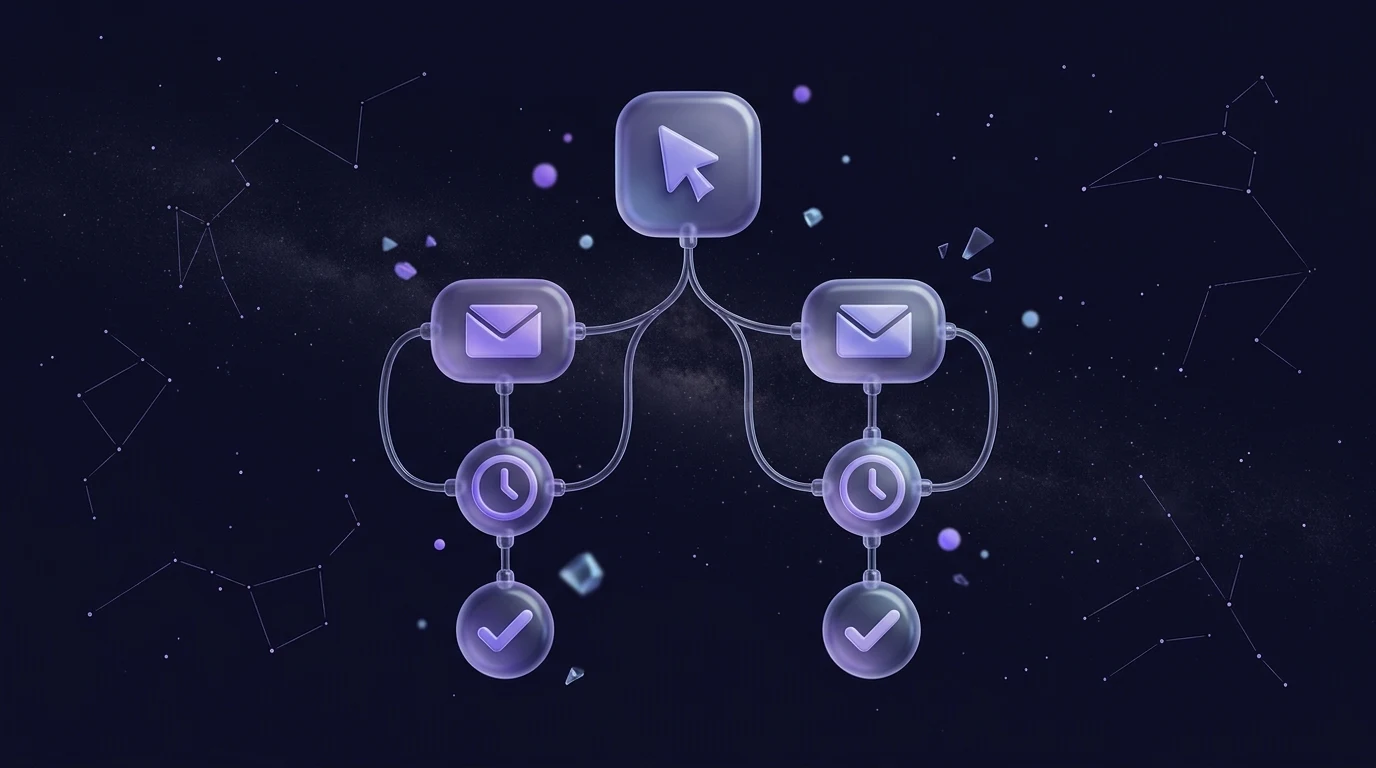
In Beacon, a welcome series is an automation: a journey that starts when someone joins a list. You build the emails in the drag-and-drop Studio (the AI copilot can draft the copy from a short description, and you edit it), then wire them together:
- Set the trigger. Start the journey when a contact joins your newsletter list. If you have several sign-up forms, use a separate list or tag per source so each can have its own welcome.
- Send email 1 immediately. No wait step before the first message.
- Add wait steps. Wait two days, send email 2; wait three more, send email 3; and so on, matching the table above.
- Branch on engagement. After email 3, add a branch: people who engaged continue to email 4; people who have not take a lighter path, such as a single nudge.
- Tag by behaviour. Add a tag step for people who click a topic link in email 5, for example "interested-in-x". Use tags later to segment campaigns.
- Preview and test. Send tests to yourself, check how each email looks in dark mode and in Outlook, then switch the automation on.
Two practical notes. First, send from a verified domain with SPF, DKIM and DMARC in place; our explainer on SPF, DKIM and DMARC walks through it. Second, every marketing email needs a working unsubscribe link and your company footer. Beacon adds both automatically, so you do not need to build them into each email.
What should you measure?
Do not judge the series by opens alone: some mail apps pre-load images, which inflates opens. Look at a small set of numbers instead:
- Replies. The most honest measure of whether you sound like a human. Count them by hand if you need to.
- Clicks per email. Which email gets the most clicks, and which link inside it? That is your content signal.
- Unsubscribes and complaints per email. A spike on one email tells you exactly where the tone or timing is wrong.
- What happens next. Do people who finish the series engage with your newsletter more than those who did not? That is the real test.
Review the series after a few hundred people have been through it, change one thing at a time, and leave it alone between reviews. Once it is working, the same thinking extends to the rest of your automations; see our overview of email automation workflows for what to build next.
Frequently asked questions
How long should a welcome email series be?
Four or five emails over about two weeks suits most small businesses. If your product is complex, you can stretch it to six or seven, but each email still needs one clear job. If you cannot say in a sentence what it is for, cut it.
Should the first welcome email be sent immediately?
Yes. The person has just signed up and is expecting to hear from you, so a prompt email feels natural and delivers on your promise. A long delay makes people forget why they subscribed, which hurts engagement and raises the chance they mark you as spam.
Should a welcome email include a discount?
Only if you promised one on the sign-up form, or if a discount genuinely suits your business. Many businesses lead with value in email one and make an offer in email four, once the subscriber knows who they are. Test both approaches.
How do I stop new subscribers getting my newsletter and the welcome series at once?
Keep new contacts out of regular campaigns until the series finishes. In Beacon you can add a tag as the last step of the journey (such as "welcomed") and send regular campaigns only to contacts who carry it.
Do I need consent to send a welcome series?
You need a lawful basis for any marketing email, and for most businesses that means the person has clearly agreed to hear from you. Our GDPR email marketing checklist explains what valid consent looks like and how to keep records.
Build your welcome series today
A welcome email series is the highest-value automation most businesses can set up, and you only need to build it once. Start free with Beacon, design your first email in Studio and switch on the journey this afternoon. If you are comparing plans, see pricing.